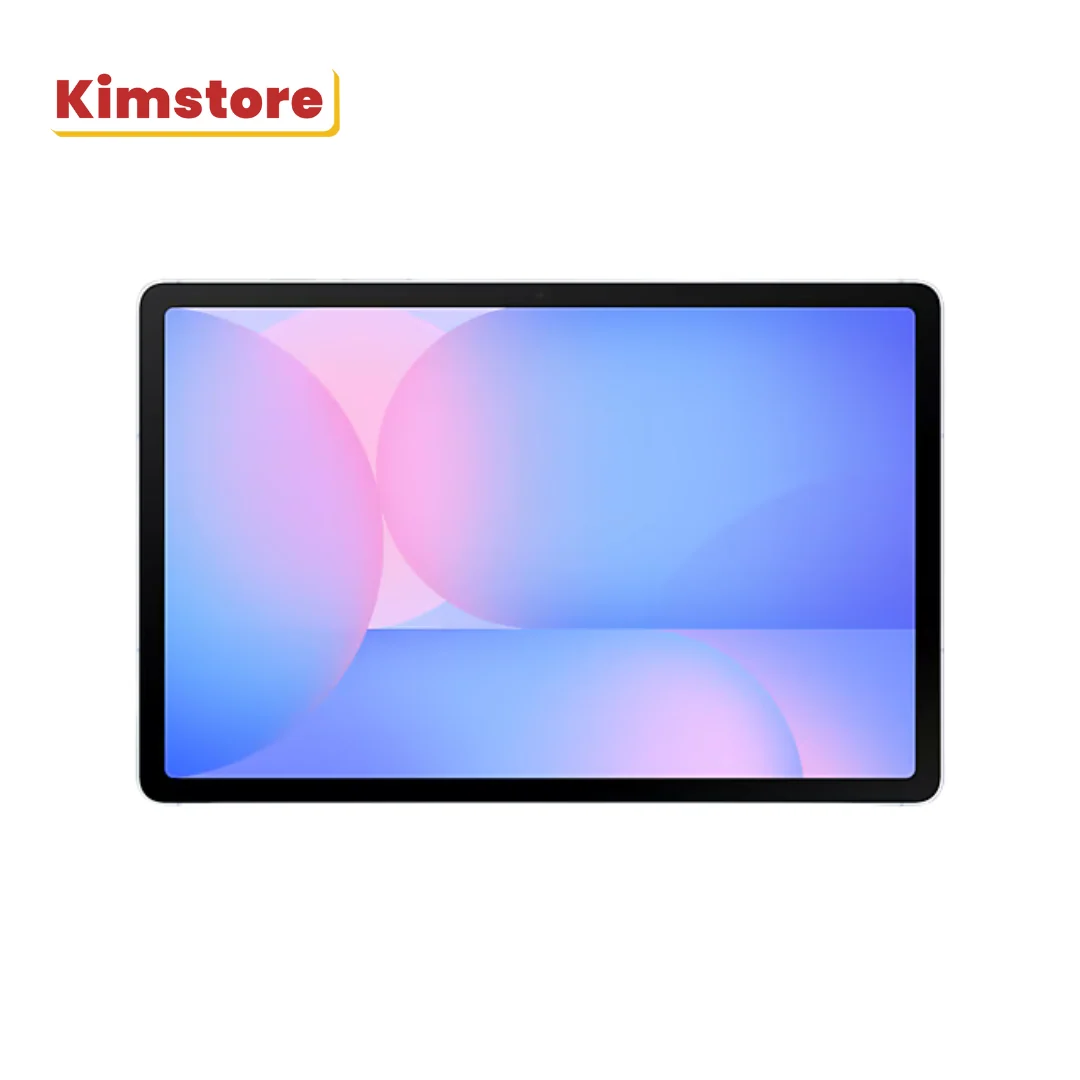
Comparing 1 offers
| Retailer | Item price | Shipping | Total (incl. shipping) | Colour · condition · seller | Availability | Updated | Go to store |
|---|---|---|---|---|---|---|---|
| Kimstore | ₱38,799.00₱43,500.00 | Shipping not stated | Not comparable | Blue | Out of stock | Fresh · September 6, 2026 | View deal |
- KimstoreOut of stockItem price₱38,799.00₱43,500.00ShippingShipping not statedNot comparableFresh · September 6, 2026BlueView deal
Some retailers do not state shipping, so their total cannot be compared like-for-like — those rows show the item price only and are not eligible for the best-price badge.
Used or refurbished
No refurbished offers for this configuration.
Price history
Based on 1 price observations since September 11, 2026.
Price history is still building for this product — the figures above will become more meaningful over the coming weeks.
Samsung Galaxy Tab s10 Fe+ Pre Order: frequently asked questions
What is the lowest price for the Samsung Galaxy Tab s10 Fe+ Pre Order?
- ₱38,799.00 at Kimstore. We check every store we track daily.
Specifications
- Storage
- 8gb/128gb
- Colours tracked
- Blue
- Condition
- New
About this product
Feel seen with an iconic look Get inspired and express yourself with the sleek, AI-powered Galaxy Tab S10 FE and Tab S10 FE+ with S Pen. Light-tone accents across details in the design add a touch of cool for a head-turning look. Grab yours in Gray, Silver or Blue. Color and model availability may vary depending on country, region or carrier. Screen as wide as your imagination Dream big on the wide 10.9" Galaxy Tab S10 FE, or go even bigger with the massive 13.1" Tab S10 FE+ — the largest screen ever on a Galaxy Tab FE device. Model availability may vary depending on country, region or carrier. Measured diagonally, Galaxy Tab S10 FE+'s screen size is 13.1" in the full rectangle and 13.0"" accounting for the rounded corners. Galaxy Tab S10 FE's screen size is 10.9"" in the full rectangle and 10.8"" accounting for the rounded corners. Actual viewable area is less due to the rounded corners and the camera hole. Solve Math Struggling with a complex math formula? No problem — just note it down with S Pen and Solve Math will automatically solve it for you. Solve Math feature runs on-device and does not require an internet connection, but requires Samsung Account login. Incorrect handwriting recognition may lead to inaccurate calculations. Solve Math usage requires turning on the feature in Samsung Notes app. To turn on, select 'More Options' menu, then tap 'Turn on Math Solver'. 1.…
As described by Kimstore
Alternatives
- Samsung 13 11” Galaxy Tab s10
 From₱52,690.00cheapest among 1 offer
 - Samsung Galaxy Tab s10 Fe+ 13
 From₱34,499.00cheapest among 1 offer
 - Samsung Galaxy Z flip-8
 From₱95,990.00cheapest among 1 offer
 - Samsung Galaxy Tab s10+From₱40,769.00cheapest among 1 offer
- Samsung Galaxy Tab a9 Wifi Pre‑owned
 From₱7,999.00cheapest among 1 offer
 - Samsung 10 9” Galaxy Tab s10From₱34,390.00cheapest among 2 offers